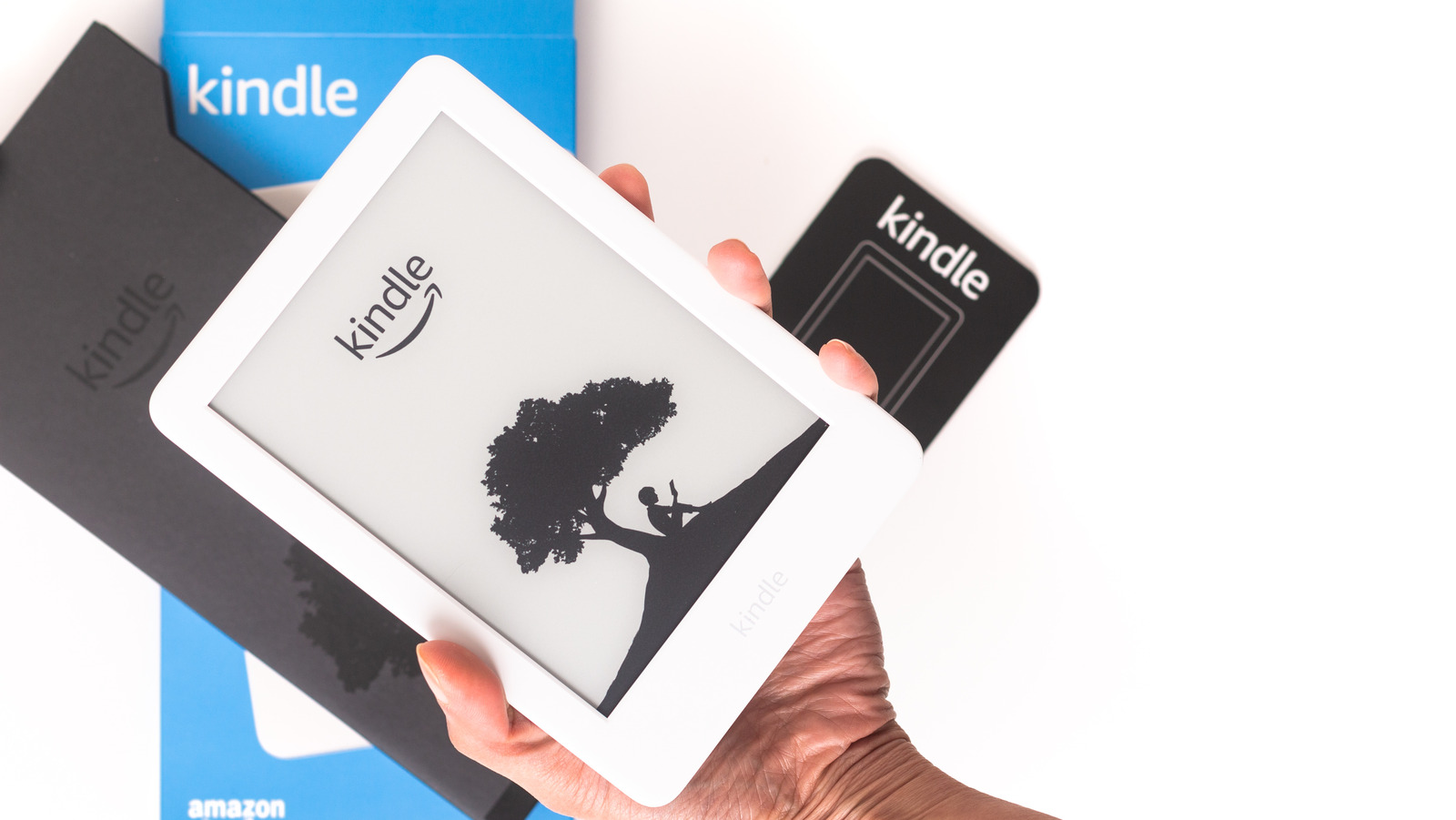
Unsubscribing from ads comes with many benefits, like a truer-to-life reading experience that better imitates the experience of reading a physical book. You’ll also be able to access your books a lot faster when you don’t have to navigate through ads to turn on your device.
When you’re ready to experience your Kindle without ads or sponsored screensavers, the easiest solution is to pay a one-time fee to remove them. Here’s how you can pay to opt out of the Special Offers option:
1. On a PC or mobile device, log into the Amazon account linked to your Kindle device.
2. Navigate to Manage Your Content and Devices.
3. Select the Devices tab to see a list of all devices associated with your Amazon account.
4. Choose the Kindle device you want to remove ads from.
5. Scroll down to locate the Special Offers section.
6. Click on Remove Offers, and a pop-up window will display the fee for removing them.
7. Choose End Offers and pay the fee.
8. Sync your Kindle to update it and remove ads from your lock screen.

ليست هناك تعليقات:
إرسال تعليق